
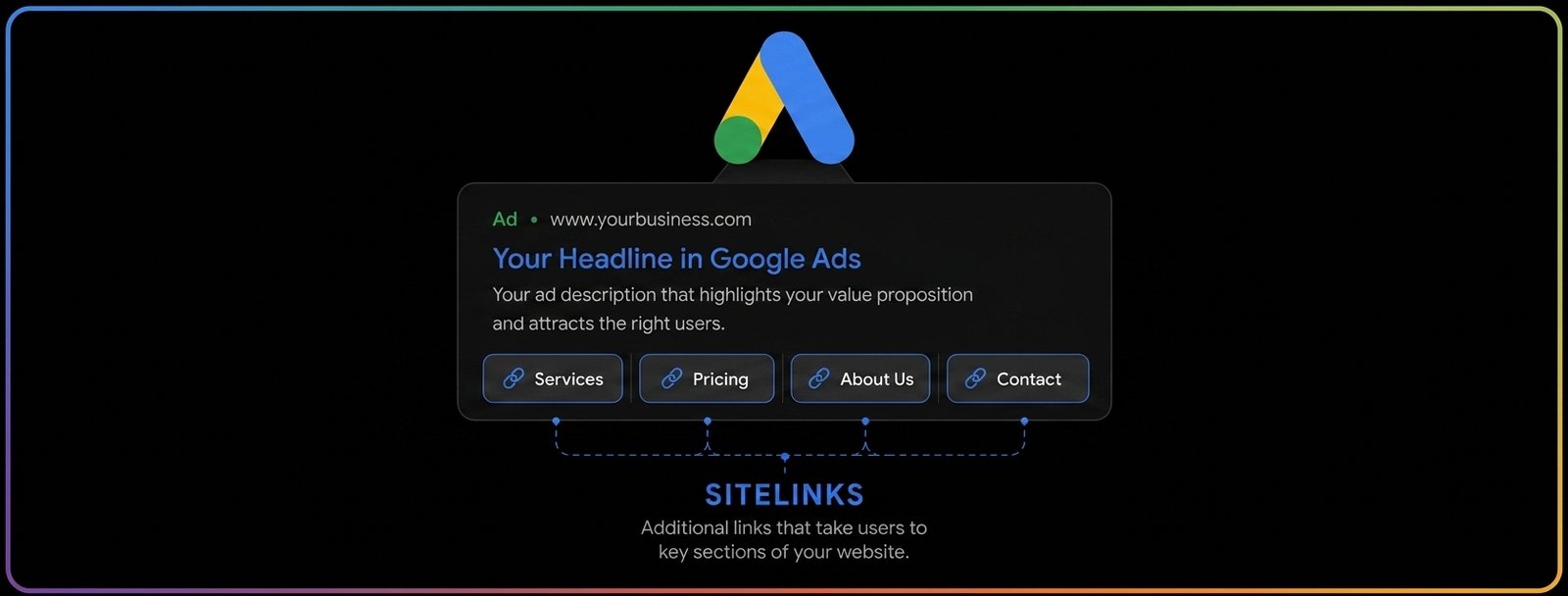
Most advertisers treat sitelinks as an afterthought; a box to check after the headlines and descriptions are done. But sitelinks are one of the few assets that directly influence three things at once: how much space your ad occupies on the results page, how many people click on it, and how Google scores your Ad Strength. Used well, they turn a single-destination ad into a small navigation menu built around what different searchers actually want. Used poorly, they waste space that could be working harder for you.
Here’s a practical breakdown of how to structure, write, and manage sitelinks so they actually move the needle:
1. Structure: Build From the Account Down, Then Get Specific

2. Content: Write for Different Mindsets, Not Just Different Pages
The strongest sitelink sets aren’t just a list of site sections — they’re organized around where a searcher is in their decision:
- Ready to buy: «Best Sellers,» «New Arrivals,» «Get a Quote,» «Online Shop»
- Still researching: «Pricing Plans,» «FAQs,» «Size Guide,» «Customer Reviews»
- Looking to trust or locate you: «Our Locations,» «Store Hours,» «About Us,» «Contact Support»
- Time-sensitive: «Clearance Sale,» «Holiday Deals»
Covering more than one of these paths in the same ad means you’re speaking to the impulse buyer and the cautious researcher at the same time, without needing two different ads.
Where it’s relevant, don’t be afraid to make a sitelink about what makes that specific product or offer different — a feature, a guarantee, a launch — as long as it genuinely connects to the landing page behind it. A sitelink is a small promise; the page it leads to needs to keep it.
4. Why This Actually Pays Off
Sitelinks feed directly into Ad Strength by adding relevance, quality, and diversity to your asset mix — and that rating isn’t cosmetic. Advertisers who move their combined ad strength from «Poor» to «Excellent» tend to see meaningfully more conversions on average. On top of that, the bigger ad footprint sitelinks create tends to lift both click-through rate and Ad Rank, since Google factors ad format and relevance into how — and how prominently — an ad is shown.
Sitelinks also generate their own performance data. You can see exactly how many clicks landed on each individual sitelink versus the headline or other assets, broken down by campaign, ad group, or asset group — which makes it easy to spot which links are pulling weight and which aren’t.
A few operational details make ongoing management easier:
- Editing doesn’t reset performance history. You can update link text or destinations without losing the data you’ve already collected on that asset.
- Scheduling is built in. Sitelinks can be set to run only on specific dates, days of the week, or times of day — useful for promotions or business hours.
- Conversion tracking should point at the sitelink landing pages specifically, ideally optimized around lighter conversion events like a site visit or an add-to-cart, since sitelink traffic often lands earlier in the funnel than the main ad.
The Bottom Line
Sitelinks aren’t a minor add-on — they’re a second layer of messaging that lets one ad serve several types of searchers at once, while also pushing Ad Strength, click-through rate, and Ad Rank in the right direction. The advertisers getting the most out of them treat every sitelink with the same care as a headline: distinct copy, a clear intent, and a landing page that actually delivers on it.
So, worth asking: are your sitelinks doing that work, or just filling space?
References
Google Ads Help. (n.d.). About sitelink assets. Google. https://support.google.com/google-ads/answer/2375416
LeadsBridge. (2026, April 13). Google Ads best practices to level up your advertising game. https://leadsbridge.com/blog/google-ads-best-practices/
Schulze Creative. (2026, February 10). How to use sitelink extensions to improve Google Ads. https://www.schulzecreativellc.com/blog/how-to-use-sitelink-extensions-to-improve-google-ads
Search Scientists. (2026). Sitelink examples (2026): 25+ Google Ads sitelinks that convert. https://www.searchscientists.com/adwords-help-sitelink-extensions/
Two Squares. (2026, January 2). Sitelink assets in Google Ads: Structure, control & trade-offs (2026). https://twosquares.co.uk/blog/google-ads-sitelinks
CATTIX. (2026, February 10). Sitelinks Google Ads: Examples and best practices for 2026. https://cattix.com/blog/sitelinks-google-ads-examples/